
How to track naps and night sleep clearly.
Use a timer and a consistent definition of sleep, then review the history as context—not as a promise of what your baby will do next.
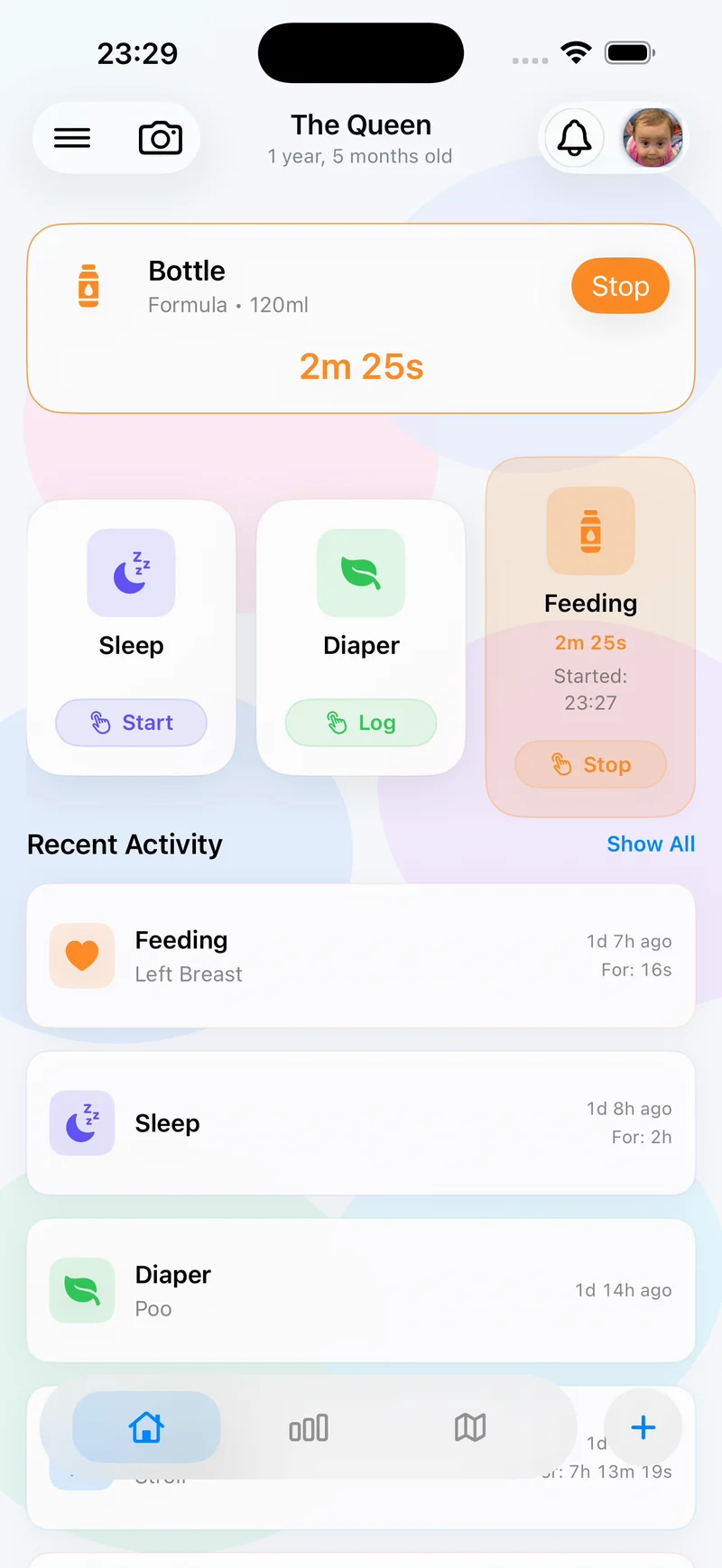
The short answer: record the start and end of each sleep period using one consistent rule. Add only the context that will help you review the day or explain it to another caregiver.
What should a baby sleep log contain?
- When sleep began and ended.
- Whether the entry was a daytime nap or overnight sleep, if that distinction matters to your review.
- A short observation only when something was unusual or relevant to the handoff.
- Nearby feeding, diaper, or health entries in the same timeline rather than repeated in the sleep note.
Agree on the start and stop rule
One caregiver may start the timer when baby becomes quiet; another may wait until baby is visibly asleep. Either can be useful, but mixing the definitions makes totals harder to compare. Choose a practical household rule and write it into the handoff if needed.
A four-step sleep-tracking workflow
1. Define what counts as sleep
Use the same start and stop rule across parents, nannies, grandparents, or overnight helpers.
2. Start a timer or add the completed sleep
Use the live timer when possible. If you remember later, enter what you know rather than inventing a precise minute.
3. Review recent context
Look at the timeline around the sleep entry. A nearby feed, diaper, activity, or health note can be useful context without requiring a second record.
4. Hand over observations, not predictions
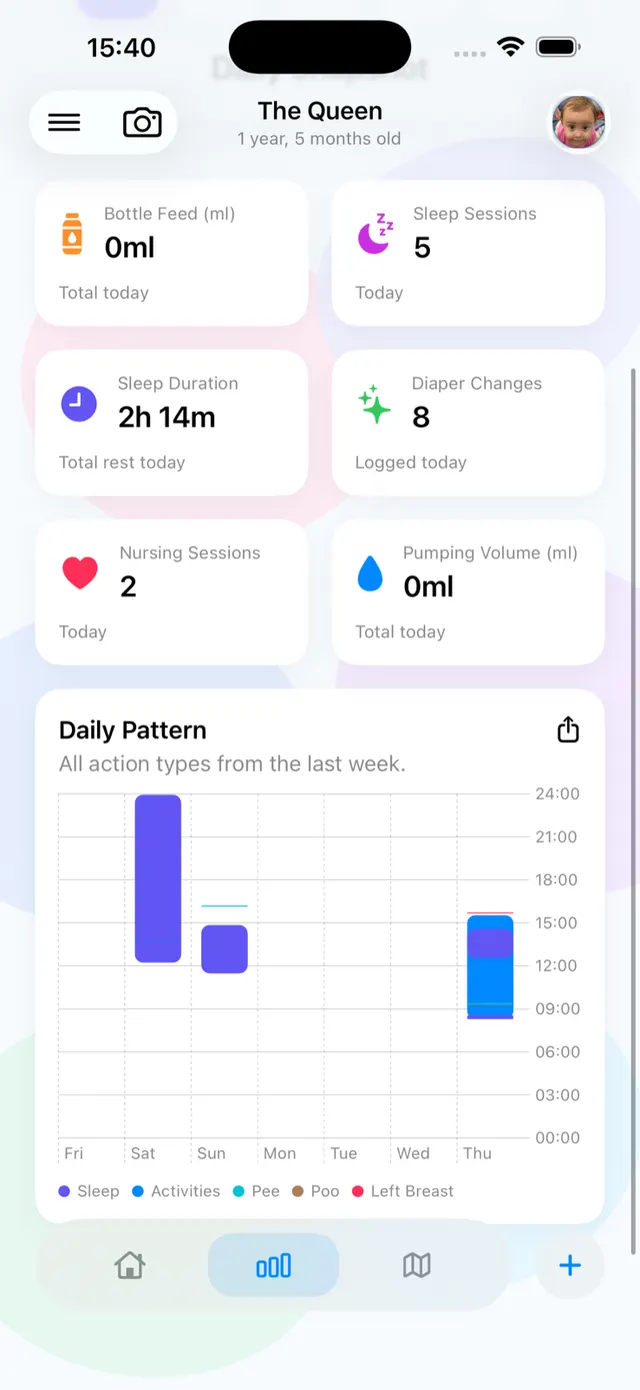
Share the last sleep, total rest shown in the report, and anything unusual. Avoid presenting a past pattern as a guarantee about the next nap.
How to log sleep in Nanny & Me
- Confirm the active baby profile.
- Tap Sleep and start the timer when the agreed sleep period begins.
- Stop the active action when sleep ends, or add a completed sleep entry.
- Check Recent Activity or All Logs to confirm the time and duration.
- Use reports, reminders, widgets, Siri Shortcuts, or Apple Watch actions where they make the routine faster.
Make the next sleep handoff readable.
Record the sleep that happened and keep feeding, diaper, and health context in the same care history.
Download free on the App StoreWhat to tell the next caregiver
Share when baby last woke, how long the last sleep lasted if known, and whether anything unusual happened. The timeline can carry the detail; the spoken or written handoff should highlight what matters now.
Troubleshooting common sleep-log problems
The timer was left running
Open the entry and correct the end time rather than deleting the whole day. Add a note only if the correction still leaves uncertainty.
A nap was missed
Add it afterward with the best known time. A labelled estimate is more honest than false precision.
Two caregivers logged the same sleep
Review the timeline during the handoff and remove or correct the duplicate. Agree who owns the active timer when care changes hands.
Baby sleep tracker questions
Does Nanny & Me predict the next nap?
No. It records sleep, recent activity and reports; this page does not claim predictive sleep scheduling.
Can I track naps and night sleep in the same app?
Yes. Both can appear in the chronological care history alongside feeds, diapers and other context.
Can I log sleep from Apple Watch?
The Apple Watch companion supports quick baby-care logging on watchOS 11.0 or later. See the Apple Watch guide for compatibility details.
Is a sleep log medical advice?
No. Contact an appropriate healthcare professional for concerns about sleep, breathing, health, development or safety.