
How to log newborn care from Apple Watch.
Use the Nanny & Me watch companion for quick baby-care actions, then review the complete timeline, reports, and sharing controls on iPhone.
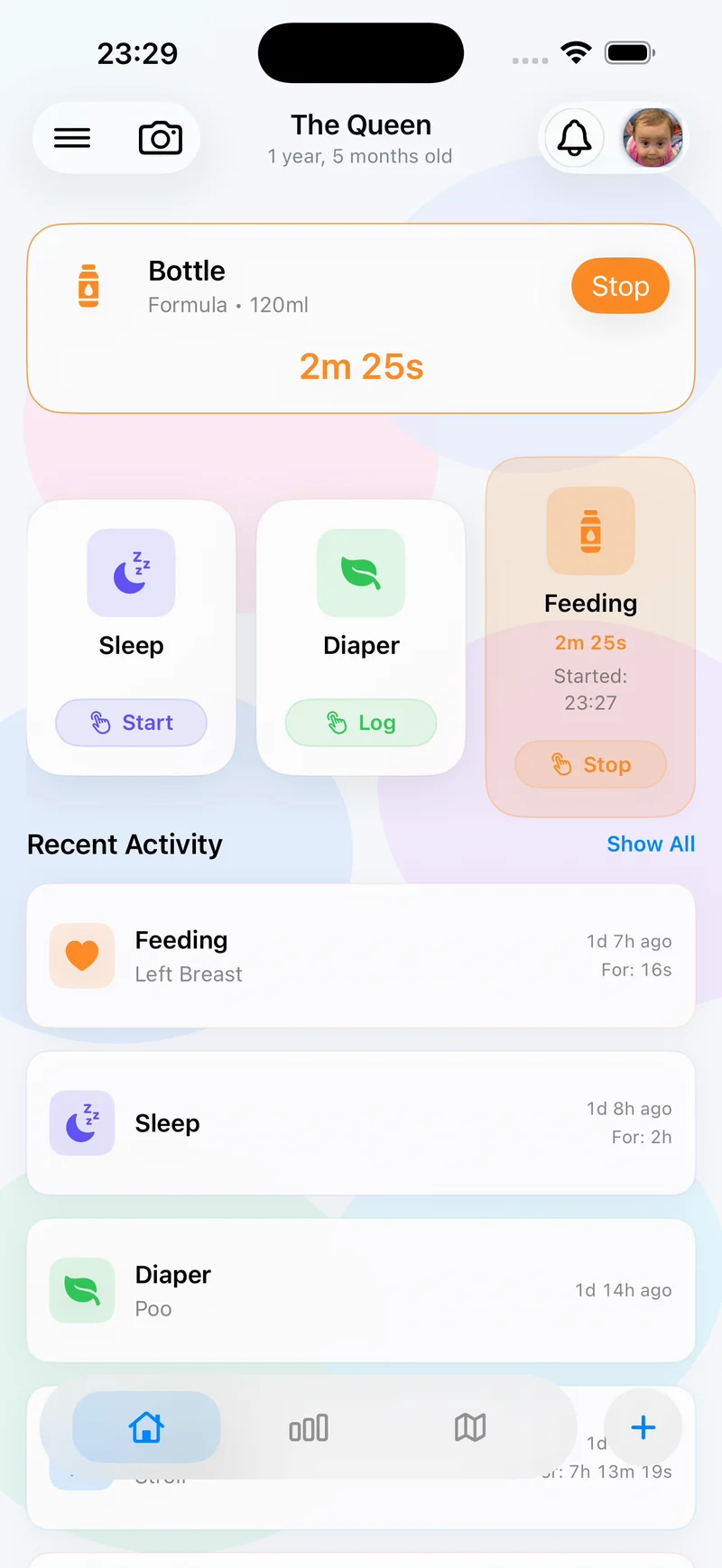
The short answer: install Nanny & Me on a compatible iPhone, make sure the Apple Watch companion is available on a watch running watchOS 11.0 or later, and use watch actions for quick care logging. Use the iPhone app for the fullest timeline, editing, reports, settings, and sharing context.
Apple device compatibility
- iPhone: iOS 18.2 or later.
- iPad: iPadOS 18.2 or later.
- Apple Watch: watchOS 11.0 or later.
- Languages: English, German, and Spanish.
These requirements match the current App Store listing as reviewed on 12 July 2026. Apple can change compatibility details, so check the App Store before downloading on an older device.
Before using the watch companion
Install Nanny & Me from the App Store, open the iPhone app, and create or select the baby profile you intend to use. Check that the watch is paired and that automatic app installation—or manual installation through the Watch app—is available.
A four-step Apple Watch workflow
1. Check compatibility and pairing
Confirm iOS 18.2+ and watchOS 11.0+, then make sure the watch is paired to the iPhone that has Nanny & Me.
2. Select the right baby profile on iPhone
Before a busy care period, confirm the active profile so quick actions land in the correct history.
3. Use the watch companion for available care actions
Open Nanny & Me on Apple Watch and choose the relevant quick action. The exact set of actions can change with app updates; use what is visible in the installed version rather than relying on an old screenshot.
4. Confirm the entry on iPhone
When convenient, review Recent Activity or All Logs. Correct a wrong profile, time, or duplicate before the caregiver handoff.
When Apple Watch logging helps most
- Starting or stopping a common care action while the phone is out of reach.
- Recording a quick update while holding or settling baby.
- Reducing the chance that a timer is forgotten.
- Keeping a short interaction on the watch and using the larger phone screen for detail later.
Home Screen widgets and Siri Shortcuts offer additional quick-entry options in the Apple ecosystem. Pick one routine that caregivers can use consistently instead of switching methods every time.
Keep quick care actions on your wrist.
Download Nanny & Me for iPhone and use the Apple Watch companion on watchOS 11 or later.
Download free on the App StoreApple Watch troubleshooting
The app is not visible on Apple Watch
Check watchOS compatibility, pairing, available storage, and the Watch app’s installed-app settings. Restarting the companion installation may help after an app update.
The wrong baby profile is active
Open the iPhone app, switch to the intended profile, and confirm the profile before continuing quick logs.
An entry is missing or duplicated
Review All Logs on iPhone when the devices are connected. Correct the record there and avoid repeating the action until the first entry has had time to appear.
Apple Watch newborn tracker questions
Do I need an iPhone?
The watch companion is part of the Nanny & Me Apple-platform experience. Set up and review the full care history through the compatible iPhone app.
Which watchOS version is required?
The current App Store listing requires watchOS 11.0 or later.
Can I use Siri Shortcuts too?
Yes. The current app version includes Siri Shortcuts for common actions, in addition to widgets and the Apple Watch companion.
Does Apple Watch replace the full iPhone app?
No. Use the watch for quick actions and the iPhone app for the full timeline, reports, settings, corrections, and caregiver sharing.